
Installing an eSIM on your iPhone: the complete step-by-step guide
July 6, 2026
Just received your eSIM for your iPhone and not sure where to start? Don't worry. In this guide we'll walk through every step together: from scanning the QR code to the checklist to follow on arrival, plus answers to the questions travelers ask us most often.
The easiest way: the Ariya app
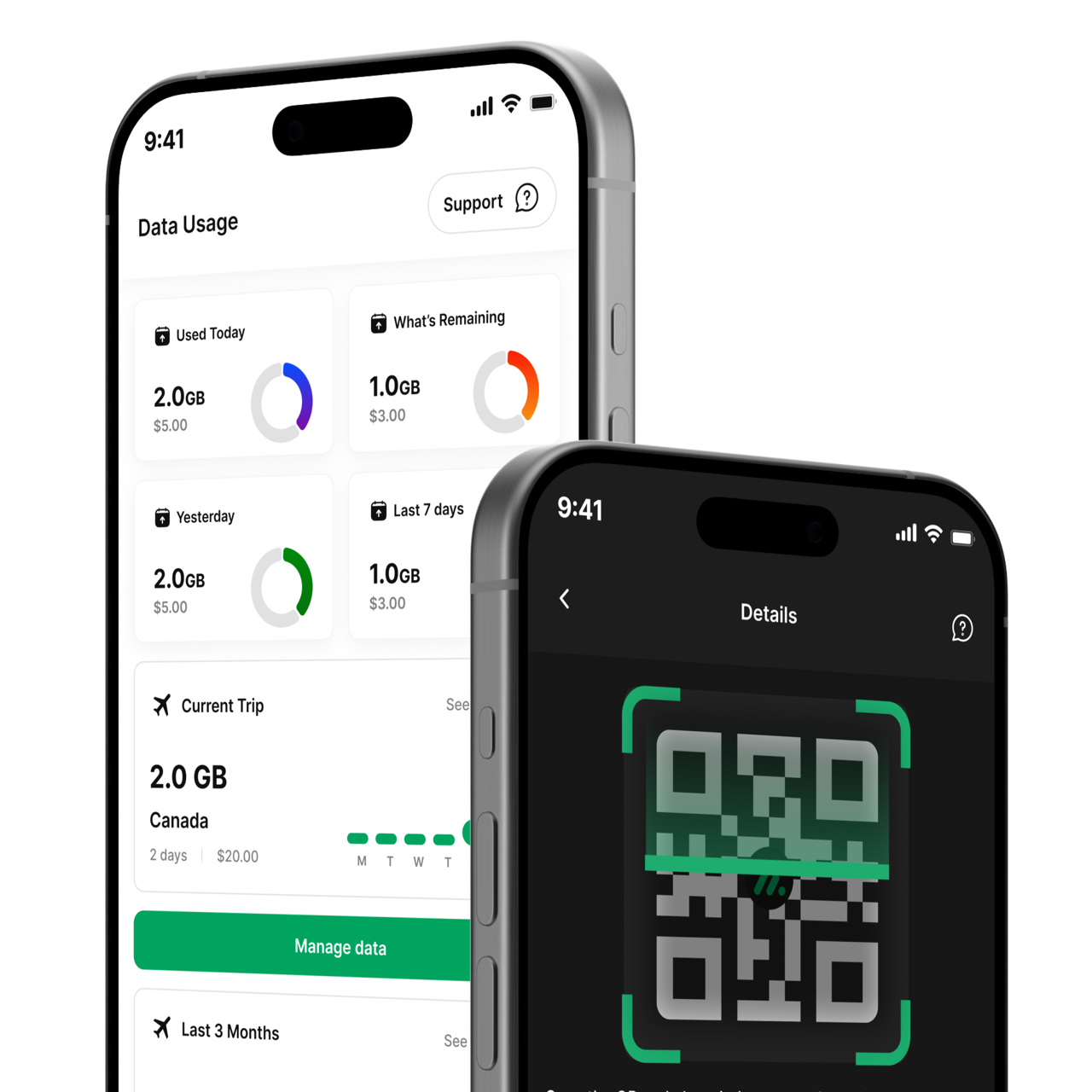
Not in the mood for manual settings? In the Ariya app you buy and install your eSIM in a few taps, and see your data usage live afterwards — handy for checking how much data you have left on the go.
When do you install your eSIM?
Install your eSIM at home, over wifi, before you leave — not just at the airport or after arrival. Installing the profile uses data and works most smoothly on a stable wifi connection. Only turn on data roaming once you're at your destination, so your data bundle starts at the right moment.
How to install the eSIM on your iPhone
- Open the confirmation email from Ariya Mobile (or your Ariya account) and find the QR code.
- On your iPhone, go to Settings > Cellular > Add eSIM (on older iOS versions: Settings > Cellular Data > Add Cellular Plan).
- Scan the QR code with your iPhone's camera, or choose "Enter Details Manually" if scanning doesn't work.
- Give the new line a recognizable name, such as "Ariya eSIM", so you can easily find it in your settings.
Tip: install the eSIM well before departure. That way you can calmly test that everything's set up correctly, without time pressure at the airport.
Checklist on arrival at your destination
Once you land, go through these 4 steps on your iPhone:
- Turn on the Ariya eSIM line via Settings > Cellular.
- Turn on data roaming, but only for that eSIM line.
- Set mobile data to the Ariya eSIM (so you browse via the eSIM, not your own SIM card).
- Leave your own SIM card in your device as usual — you don't need to remove it.
Do I get a new phone number with my eSIM?
No. The Ariya eSIM is data-only — it doesn't come with a phone number. Your own SIM card stays active for calls, texts and WhatsApp, so your familiar number never changes. Ariya currently doesn't offer a phone number on the eSIM.
I see a different carrier name for the second SIM — is that correct?
Yes, that's completely normal. The carrier name shown next to your eSIM line may differ from Ariya Mobile — that's our network partner's name and it's completely normal. Your eSIM is working correctly, exactly as expected.
My personal and secondary SIM cards are both on — is that okay?
Yes, that's exactly how it's meant to work. This is called dual-SIM: your primary SIM stays active for calls and texts, while the Ariya eSIM handles your mobile data. Having both lines on at the same time isn't a mistake — it's the intended default setup.
Can I call over wifi, or does wifi need to be off?
Wifi can simply stay on. Calling over wifi (WiFi Calling) on your own SIM card keeps working normally. In fact, we recommend installing the eSIM over wifi specifically, since that's the fastest and most reliable way.
Does the secondary SIM (eSIM) need to be on?
Yes, in the destination country the eSIM line needs to be on to use data. Before departure you can already install the eSIM, but leave data roaming off until you've arrived.
Ready to travel connected?
Traveling to Australia? Check out the eSIM plans for Australia. On the road through Europe? Check the offer for Europe, or browse all destinations. Have an Android phone? Read our guide to installing an eSIM on Android. Still have questions about compatibility or activation? Our FAQ page can help.
Ready to stay connected?
View the eSIM plans